KI-Agenten für Anwälte und Kanzleien
Wie KI-Agenten die juristische Arbeit beschleunigen – von der Rechtsrecherche über die Mandantenakquise bis zur Kanzleikommunikation.

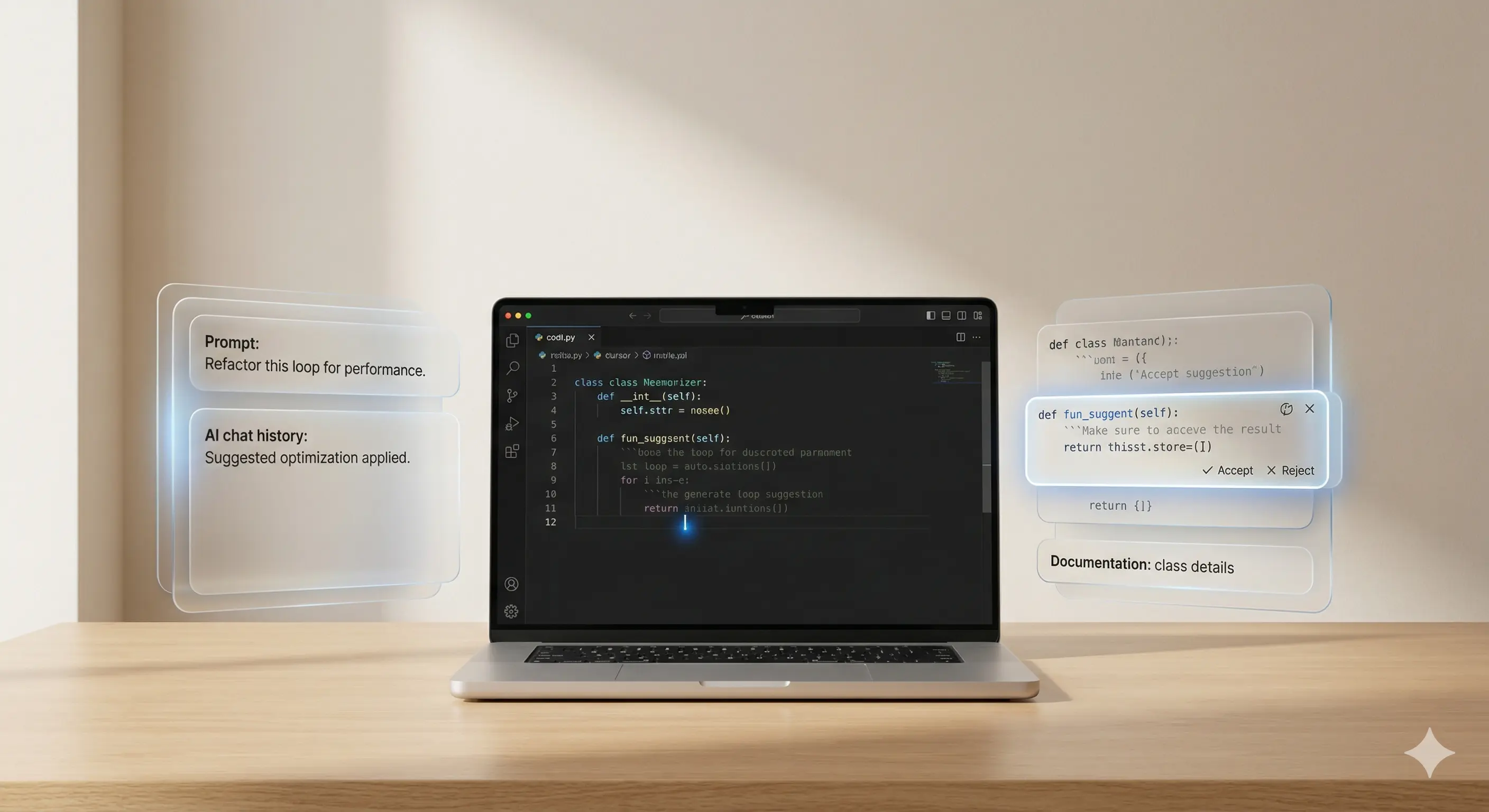
Dealing with artificial intelligence has long been more than just a trending topic. Everyone who wants to work productively with AI today is therefore faced with new challenges almost every day: They not only need to know the tools, but also know how to speak and work with them correctly. This process is called prompt engineering — and it requires a high level of structure and technical understanding.
Prompt engineering refers to the targeted design of text inputs (“prompts”) for AI models in order to obtain precise and reproducible results. It is therefore not just about asking questions about a model such as ChatGPT or Claude, but about formulating the input in such a way that the output can be systematically controlled.
In principle, you are taking on a new role in prompt engineering: You must be able to describe requirements so precisely that the AI does not have to improvise. This is particularly important for software-related tasks such as coding, documenting API interfaces or generating unit tests.
Many developers initially underestimate how much the formulation of the input determines the quality of the result — and how much testing, refinement and improvement is necessary to be able to work reliably with it.
AI tools such as GPT-4, Claude or Gemini are now used in many developers-Workflows arrived. They help with writing boilerplate code, debugging, database queries, or refactoring. Without clean prompts, results often remain vague or incorrect.
Developers in particular have a clear advantage here: They think in a structured way anyway, are proficient in modular working methods and know how important precise instructions are. Nevertheless, practice shows that anyone who does not specifically focus on prompt engineering is wasting enormous potential — both in terms of saving time and the quality of AI support.
If you go into a model with the expectation that it will “automatically” give you the best results without specifying your request exactly, you run into the same frustration as when debugging with incomplete error messages.
For working with AI tools to work reliably, you should know the rules. There are fundamental principles that prove their worth time and time again in practice:
Despite increasing routines, many of us face the same stumbling blocks when using AI. You should pay particular attention to the following points:
Let's take a simple case: You want to have an SQL query generated for a specific use case.
Example of a weak prompt:
“Write me an SQL query for my customer list. ”
The model returns something—perhaps with generic table names or an incomplete WHERE clause.
Example of a good prompt:
“I have a customers table with columns id, name, signup_date, country. Please generate an SQL query that lists all customers from Germany who registered between 01.01.2022 and 31.12.2022. Please sort output by signup_date, in ascending order. ”
Such precise information makes the difference and reduces the likelihood that you will have to laboriously rework manually later on.
Some companies are already firmly integrating prompt engineering into their development processes. The better your prompts, the more reliably you can use AI to:
Well-structured prompts save many hours of working time, especially in the early project phase or with proof-of-concepts. They do not replace expertise, but they enable faster initial results and more efficient coordination within the team.
The tool selection itself can also be optimized, as there are now tools that are specifically intended for developers. You should know:
Such tools not only help with organizing prompts, but also with reusability and quality assurance within the team. Especially if you regularly work with similar tasks, it is often worthwhile to use it.
From custom software to powerful marketing, we empower your business with innovative technology and strategic design.
We have received your request and will get back to you within 24 hours at the latest with an answer