
The most important apps in Shopify
The 10 most important Shopify apps 2025: Which tools really make the difference — from smart accounting to more revenue through automation.

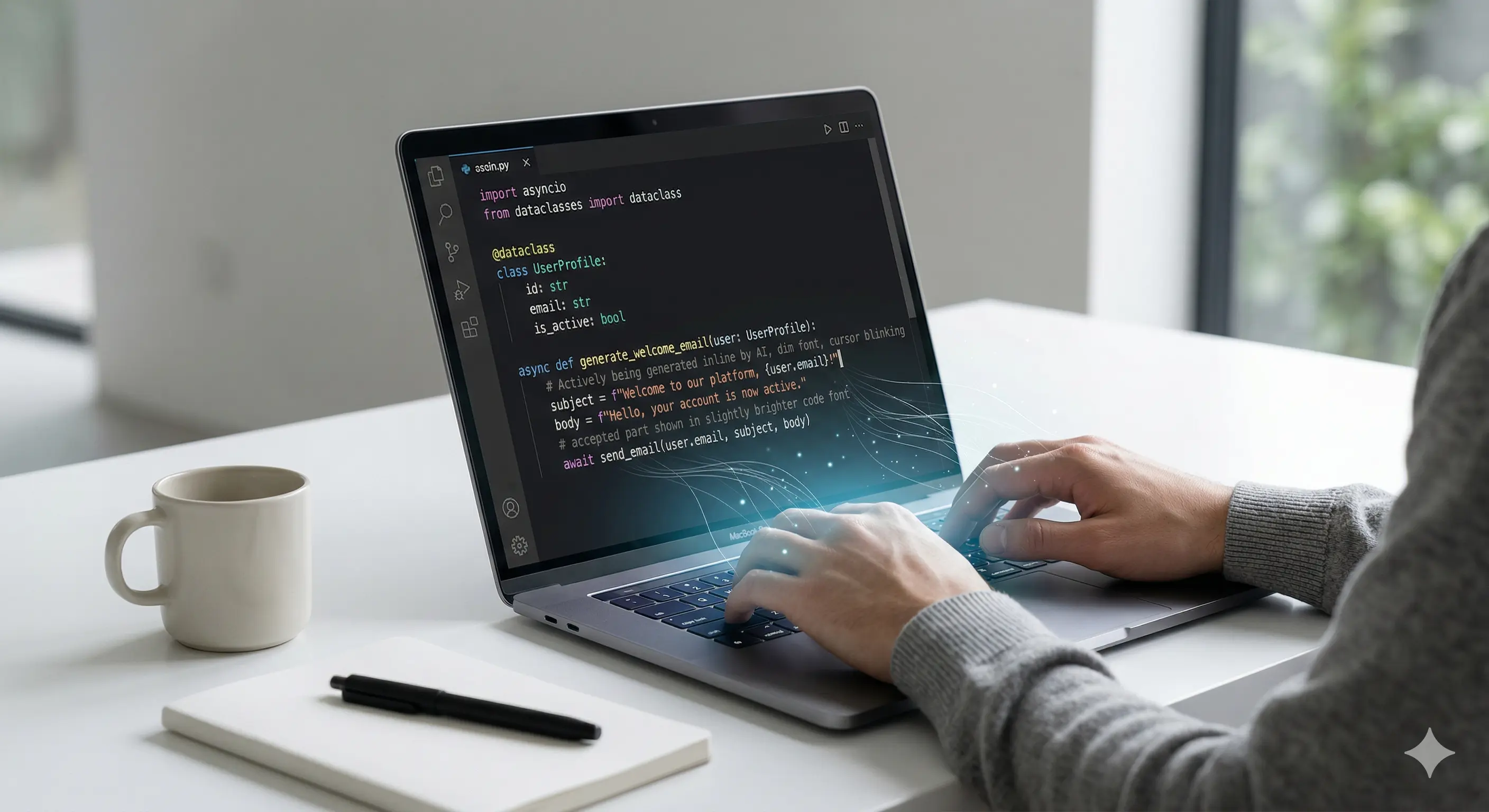
There are tools that change everyday working life because they are convincing in practice. Cursor is one of them. It is an AI-supported code editor that is an integral part of everyday developer life as soon as you use it.
In this article, you can find out why we actively use it at Techwerk, what benefits it brings to you as a customer and what it means for the future of software development.
The term “AI” has seen many flights of fancy in recent months — often accompanied by hype, sometimes by disappointment. In practice, however, it quickly becomes apparent what works and what is just an empty promise. Cursor clearly belongs to the first category. Developed on the basis of OpenAI (GPT-4), Cursor is an editor that not only completes code, but actively thinks along.
He analyses project structures, learns from existing code and recognizes connections. This does not make it a tool like any other, but a real development companion. You will notice this at the latest when complex functions are created more quickly, bugs are localized in a much more targeted manner and you receive support in the code context that you have previously sought in vain.
A classic editor requires manual navigation, exact API knowledge, and frequent lookups. Cursor replaces much of this with contextual support, and not with constant autocomplete, but with real conversational ability. Developers can ask questions in natural language — about their own code, libraries, or best practices. Cursor answers directly and especially in the context of the current project.
This form of interaction noticeably changes daily work, because it gives more room for the essentials, such as good architecture, well-thought-out concepts and clean handovers between frontend and backend.
When you work with several people in a team, you quickly realize how important a good review culture is. Cursor supplements them, but does not replace them. This means: The editor makes suggestions that are comprehensible, comments on critical points and provides alternative solutions. But the final decision always remains with the people.
As a result, the quality of the reviews increases significantly. Not only because more critical cases are identified, but because discussions are taking place on a better level. Cursor provides reasons, shows references, knows patterns — and thus stimulates conversations that are often neglected in classic reviews.
Many developers compare cursors with GitHub Copilot — and rightly so. But if you take a closer look, you'll quickly see that Cursor goes much further. While Copilot often works at line level, Cursor captures entire projects. It understands relationships between files, analyses architectural decisions and can even develop entire functions based on ticket descriptions.
When you start a new feature with Cursor today, you can already have the initial structure, suitable hooks, components or interfaces created, precisely tailored to your existing code base. These capabilities make Cursors not just a productivity tool, but a strategic tool.
It would be wrong to call Cursor a jack of all trades. It does not replace human thinking and is no substitute for reflection and experience. It is also not a generator for complete applications. His strengths lie where repetition, pattern recognition and context understanding are required.
When it comes to creative decisions, design questions or unconventional solutions, the developer's expertise remains in demand. Cursor is not a substitute here, but a backup — a kind of sparring partner who is available around the clock but never has the last word.
If you need to get started with an existing project or adapt legacy code, then you know the challenges. Problems such as a lack of documentation, confusing dependencies and incomprehensible decisions often arise. This is where Cursor shows its greatest strength. The editor not only analyses what was written, but also how the structure has grown over time.
Targeted inquiries are one option here: “What does this function do? “— “Are there code locations that use similar logic? ” — “Which location could be causing this bug? “The answers come in seconds and are often more accurate than anything you've been able to achieve with your IDE's search function so far.
At Techwerk, we like working with tools that really help us move forward. Cursor is one example of this. The tool integrates seamlessly into our processes — from ticket creation to QA — and helps us work in a structured, efficient and, above all, of high quality.
For our customers, this also means advantages, such as faster time-to-market and less bug fixing. Especially with complex Shopify projects or individual web applications, this quickly saves a lot of time.
A common objection to AI-powered tools is privacy concerns: Where does my code end up? What happens to sensitive data? Cursor offers a number of mechanisms to answer precisely these questions properly. On the one hand, there are local setups that do not send any data to the outside world. On the other hand, sensitive data areas can be excluded or completely anonymized.
This means that you retain control, decide for yourself whether to use the AI components and can use cursors exactly where it makes sense and is safe.
If you're considering using cursors in your own team, then it's worth taking a closer look at the use cases. It is particularly useful to use:
If you often work with recurring patterns, generic functions, or similar components, Cursor can significantly speed up your work.
From custom software to powerful marketing, we empower your business with innovative technology and strategic design.
We have received your request and will get back to you within 24 hours at the latest with an answer